
To-dos
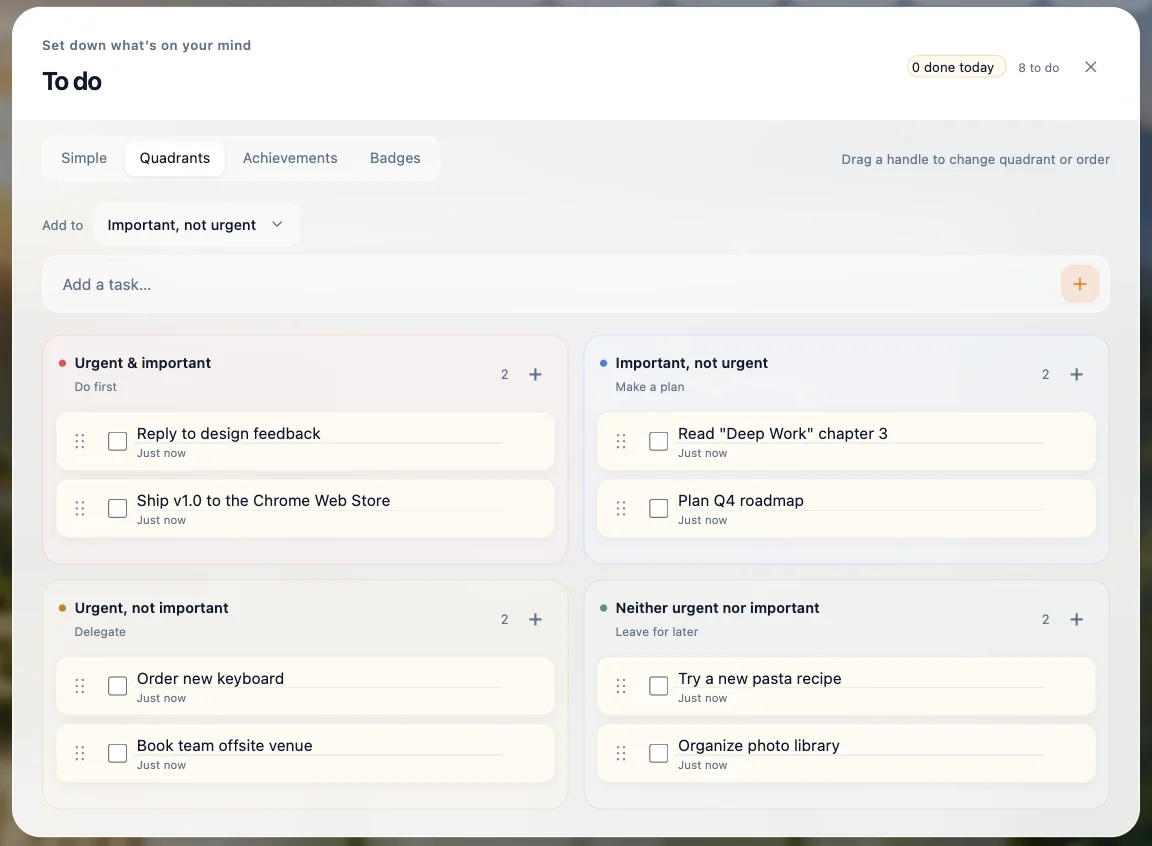
A simple list or an urgent/important matrix, with streaks and badges.
Free Chrome extension
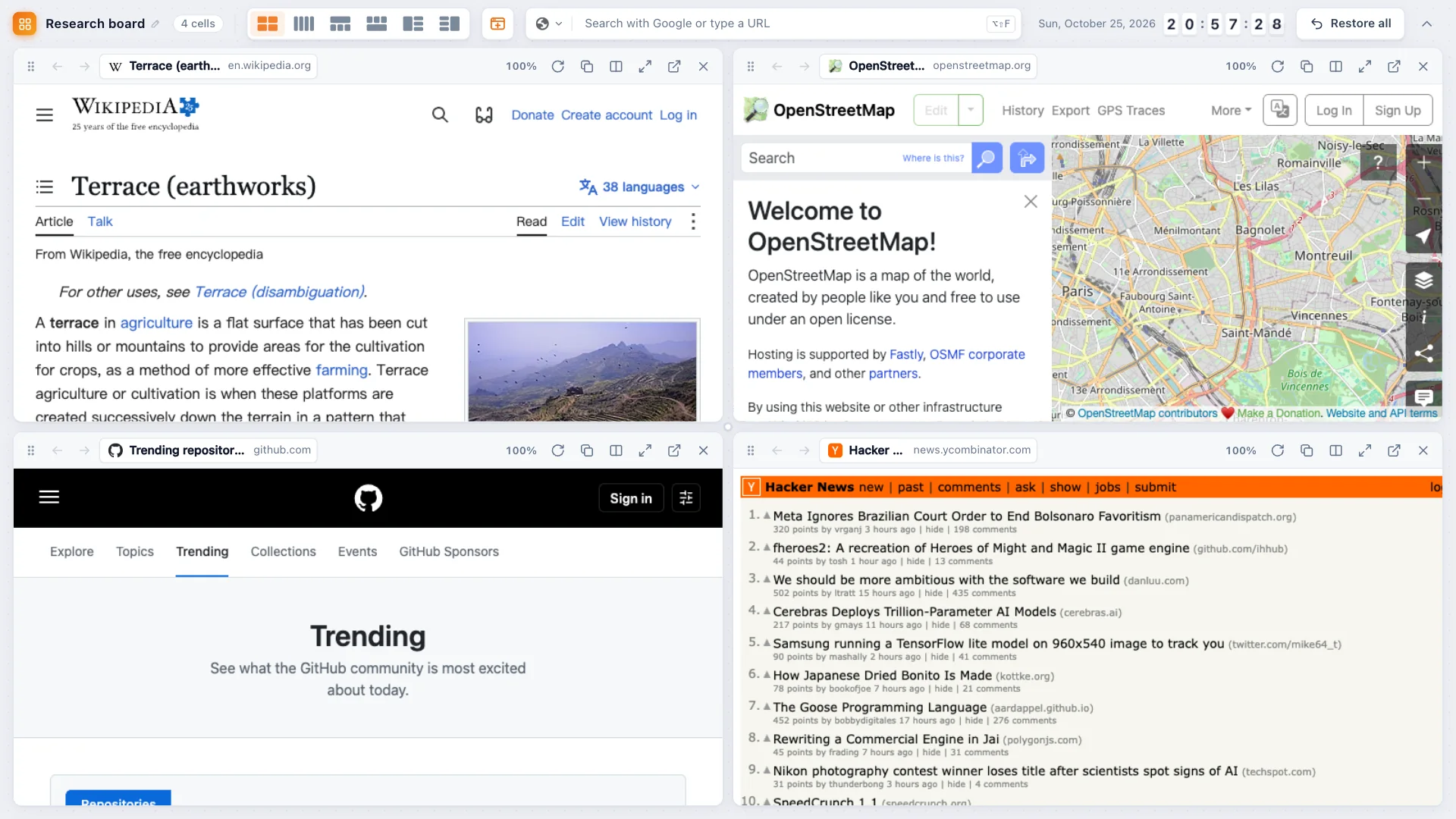
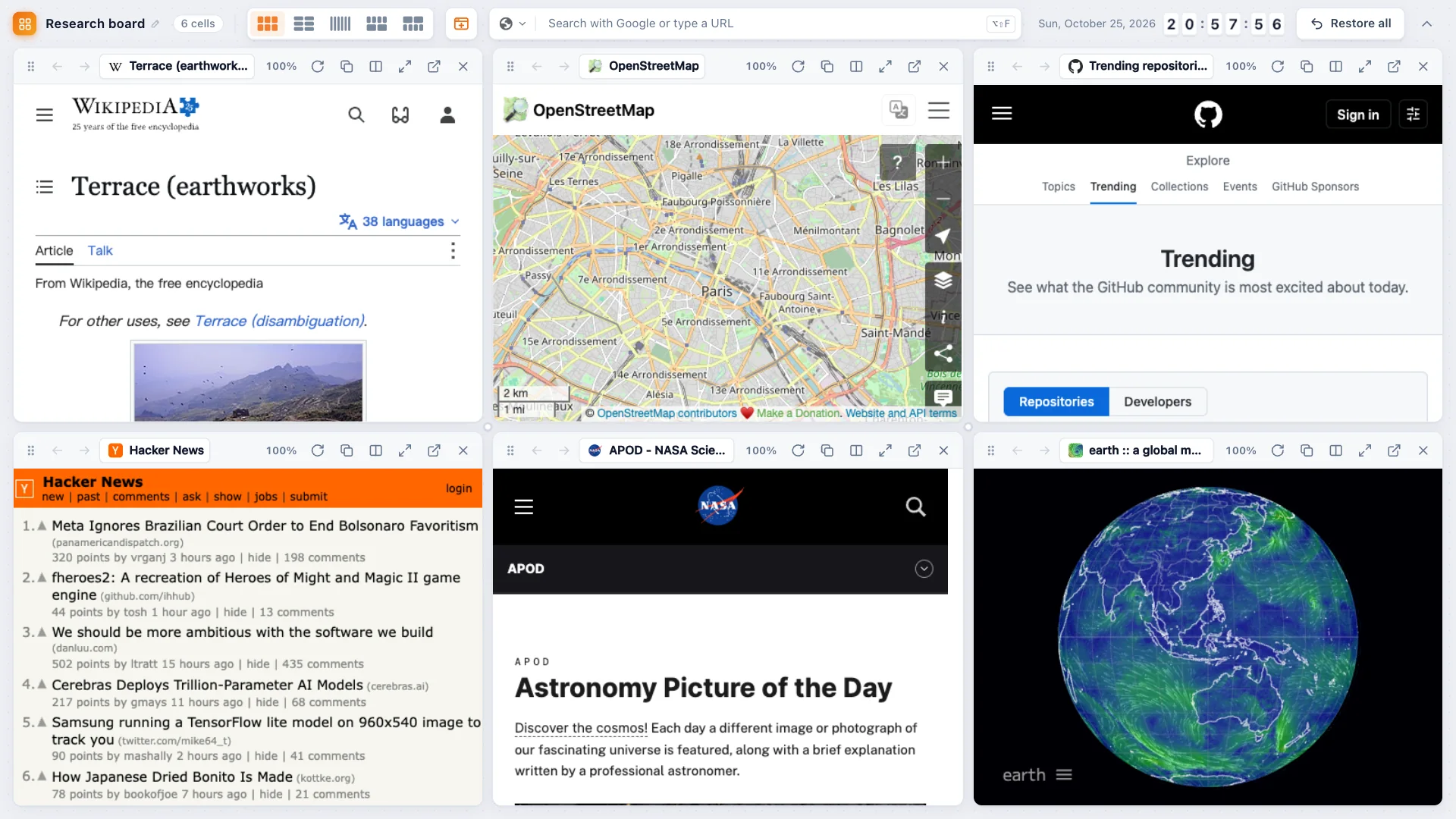
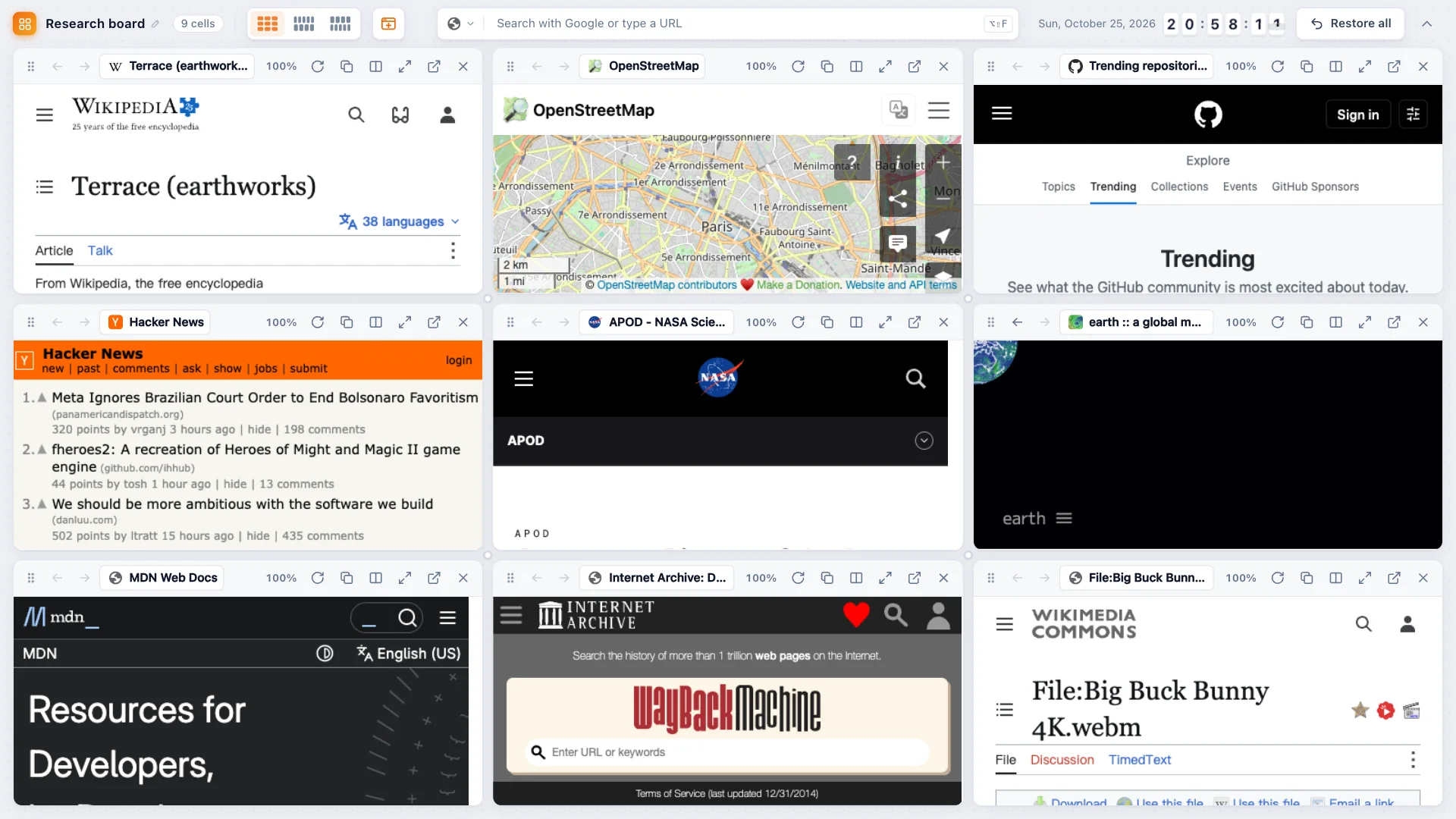
Put up to nine live pages side by side in one tab, pair any two in Chrome split view, and keep your sites, projects and everyday tools on one dashboard.
 Coming soon to the Chrome Web StoreExplore features
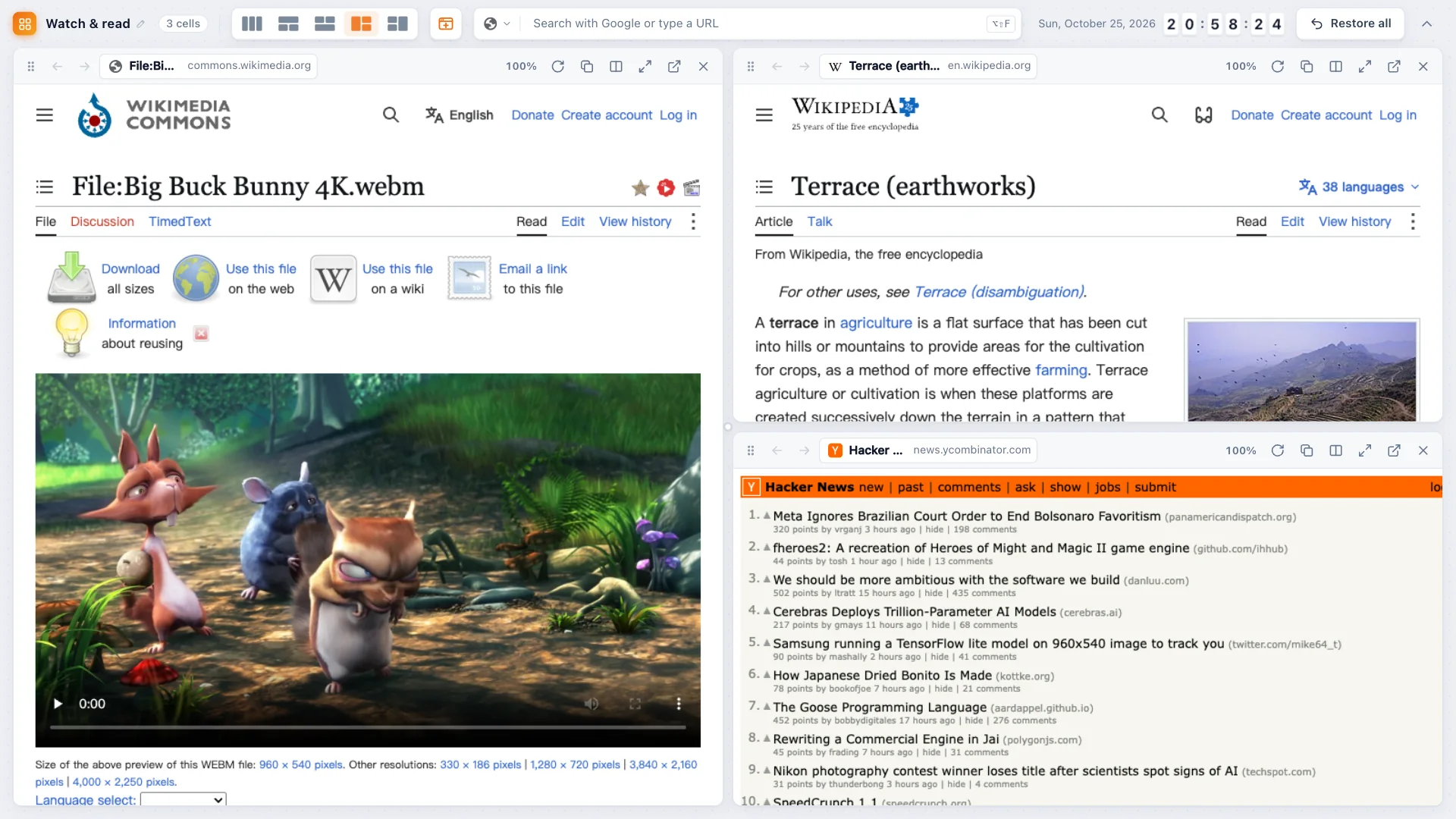
Tab grid
Select a few open tabs and merge them into one grid. Every cell is a real, live page — scroll it, click links, sign in, even watch video.
Split view
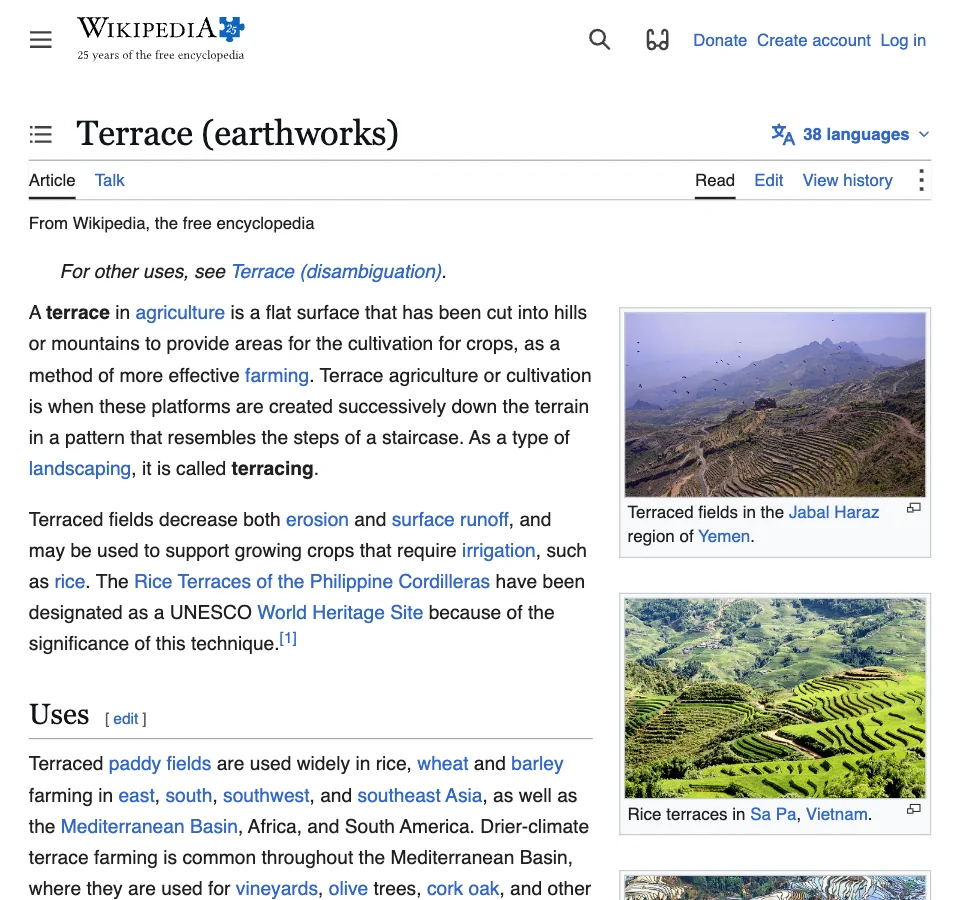
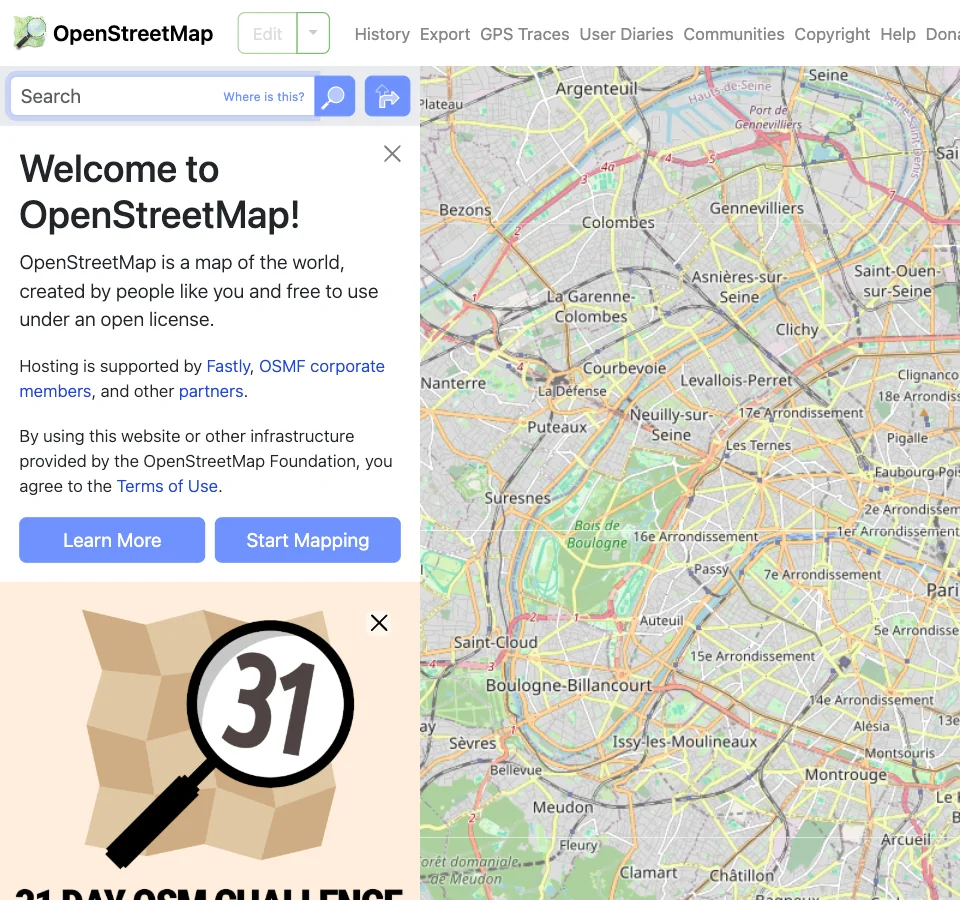
Some sites refuse to be embedded. For those — or whenever two pages are enough — TabTerrace pairs any two tabs in Chrome's native split view and lets you name the pair.
Projects
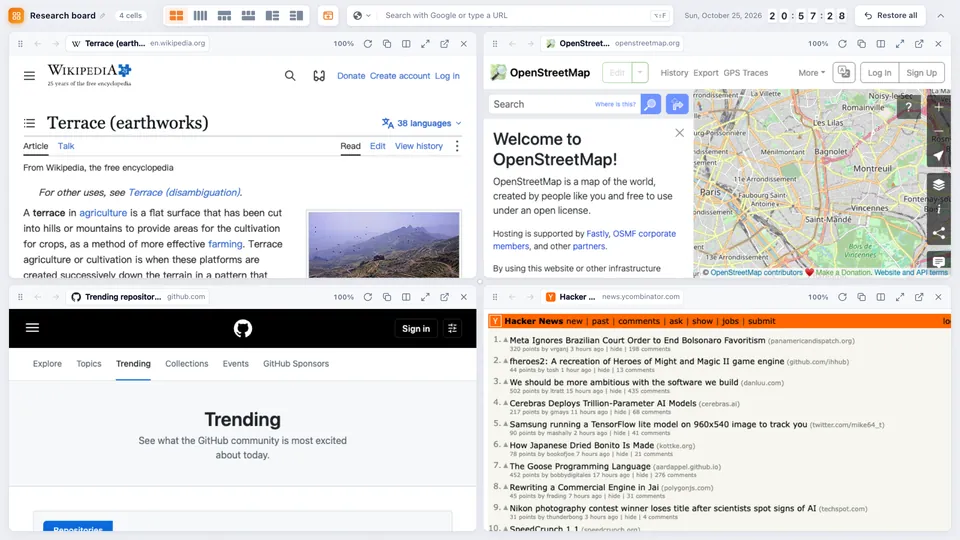
Name your grids and splits, tag them, and reopen the whole set in one click — with each cell on the page you left it.
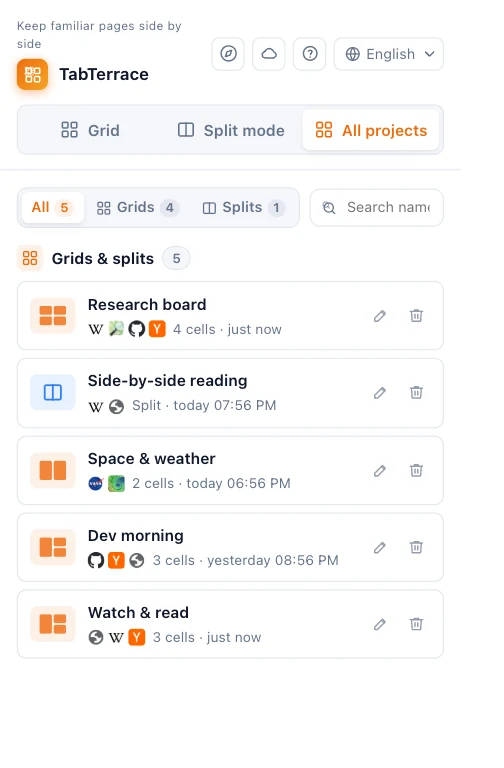
Dashboard
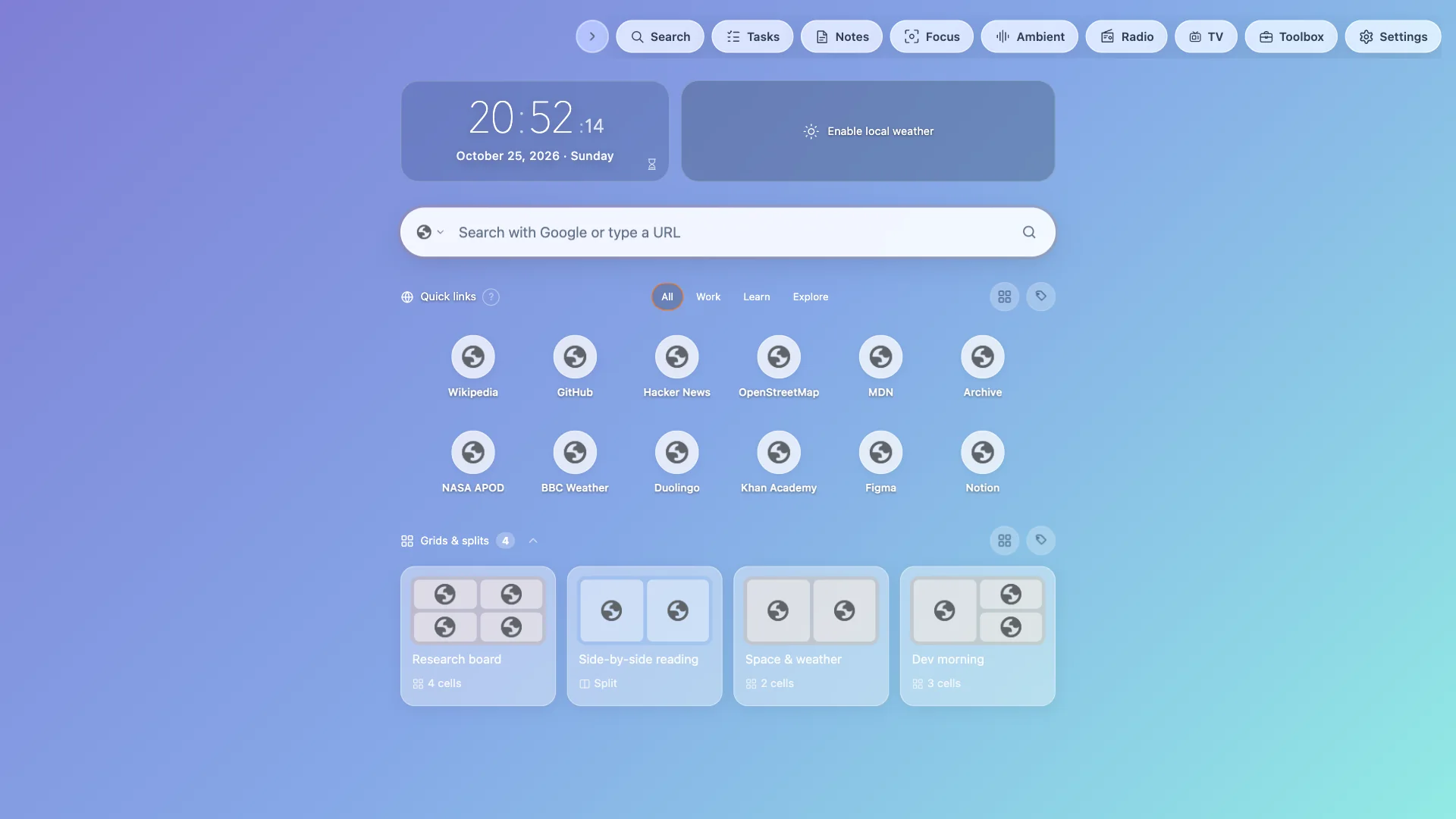
Click the TabTerrace icon to open it: search, your favorite sites grouped by tags, saved projects, weather and a clock — over scenery you choose. Turn modules on or off to keep it as minimal as you like.
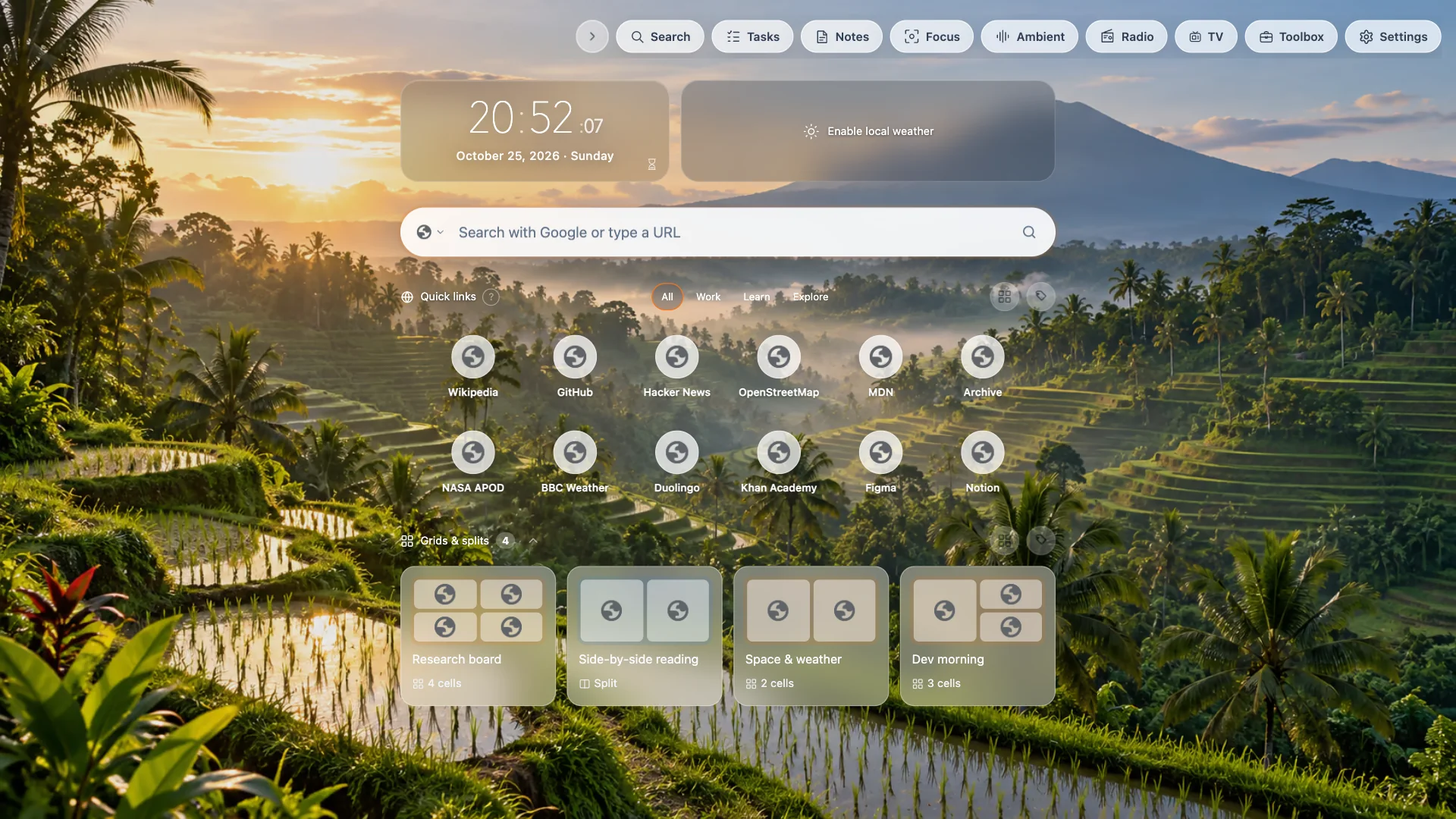
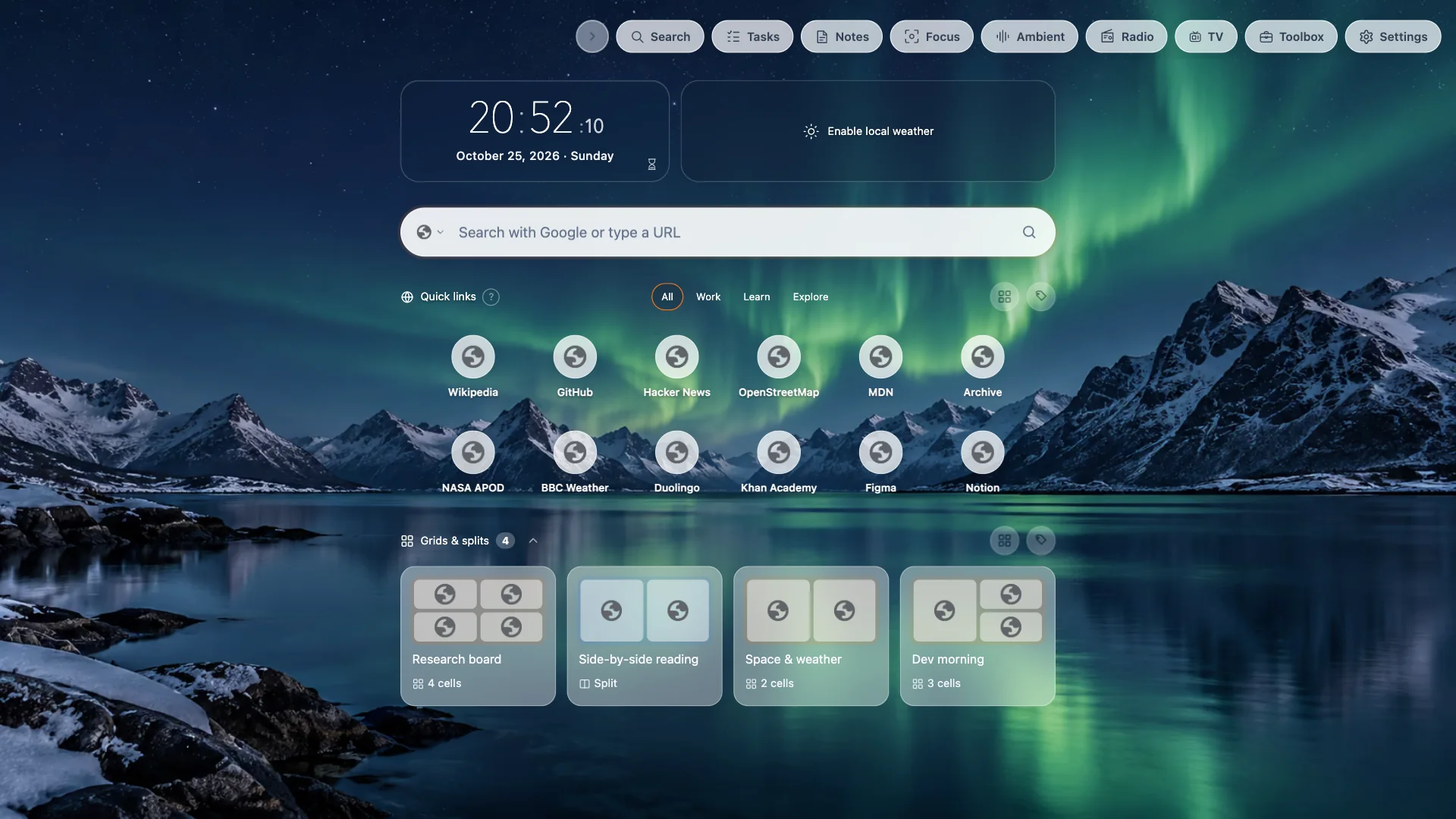
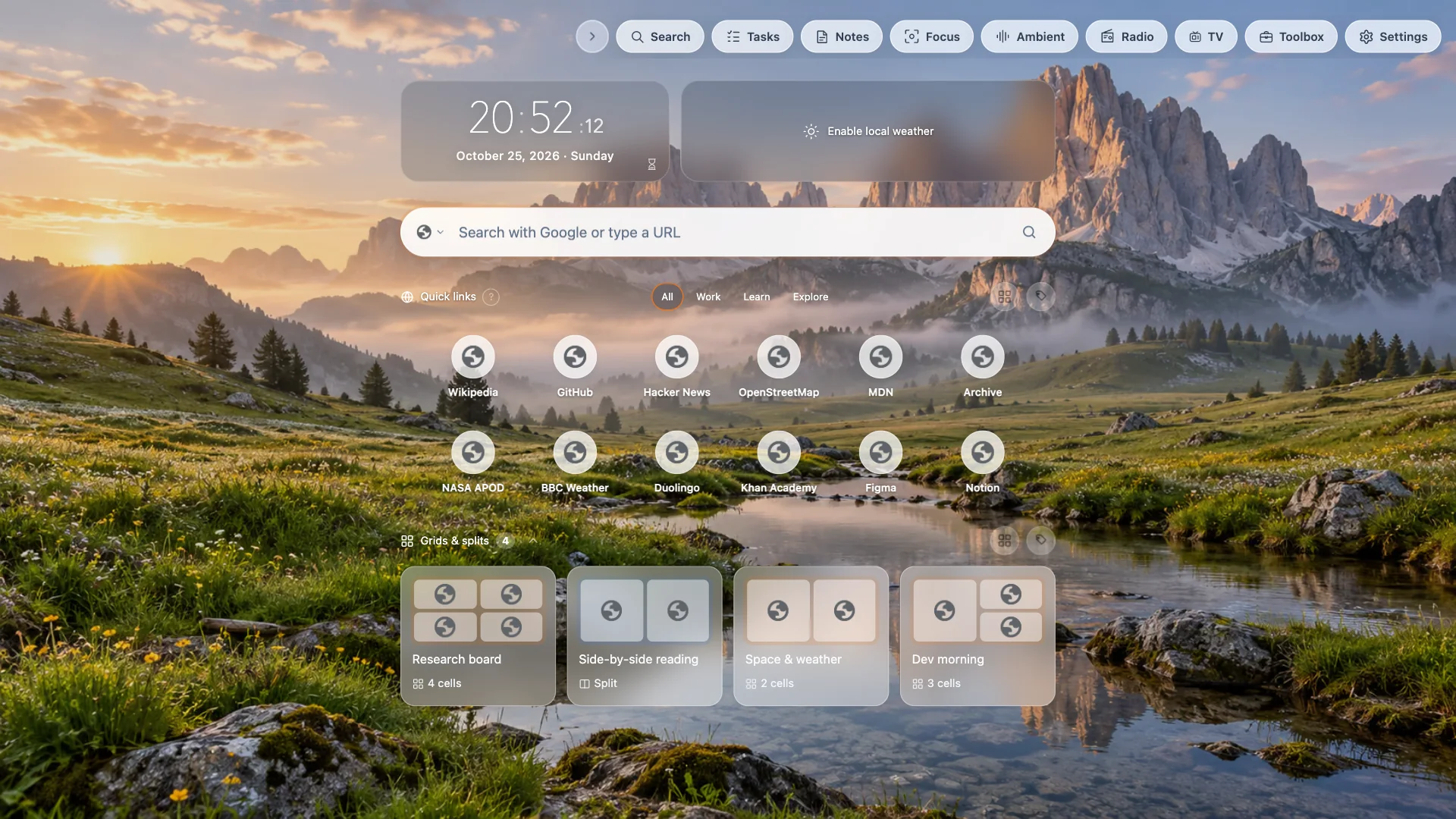
Built in
Small, focused tools that live on your dashboard. No sign-up, nothing to install separately.
A simple list or an urgent/important matrix, with streaks and badges.
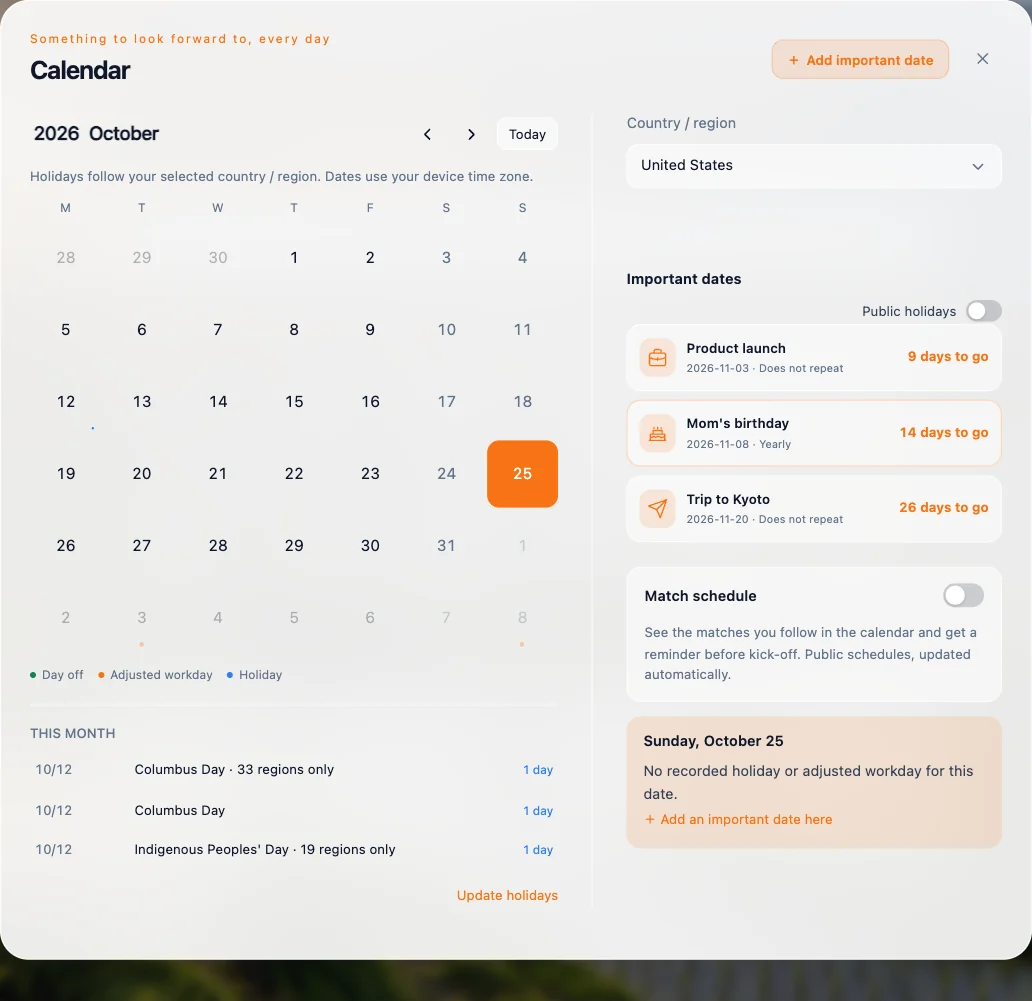
Holidays for your country, lunar dates and countdowns to the days that matter.
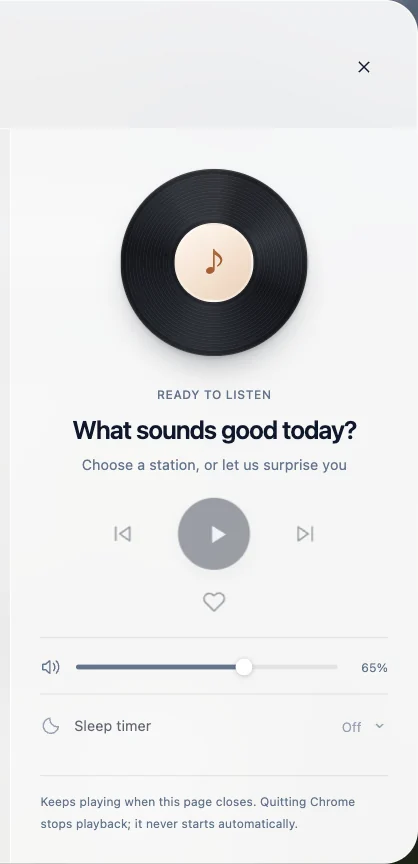
Thousands of live stations by country, language and genre.
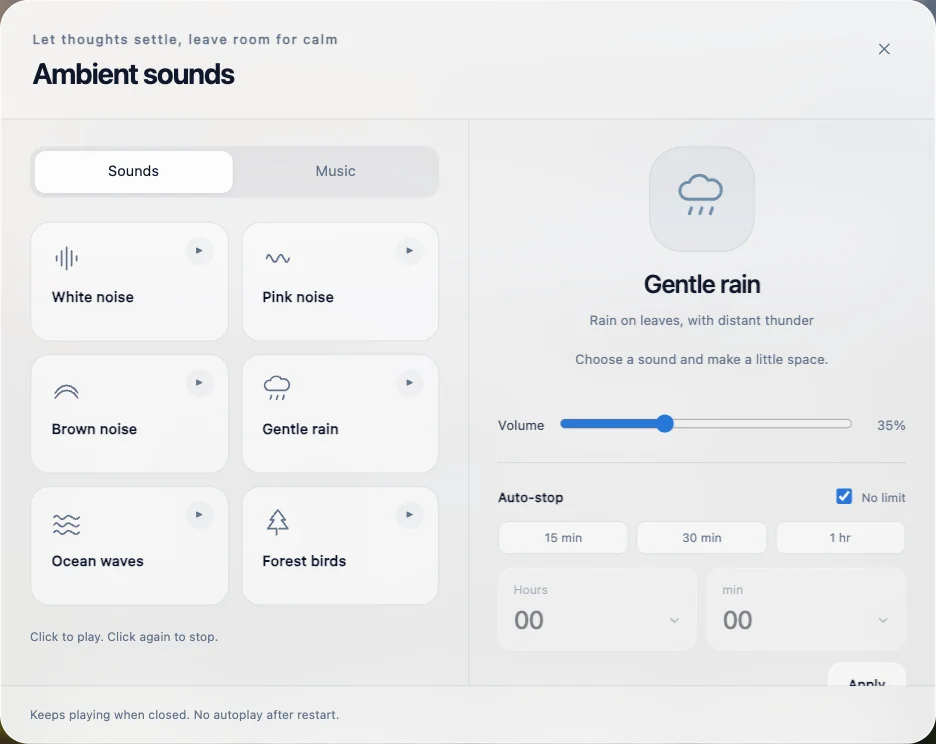
Rain, café, forest and more, with a sleep timer.
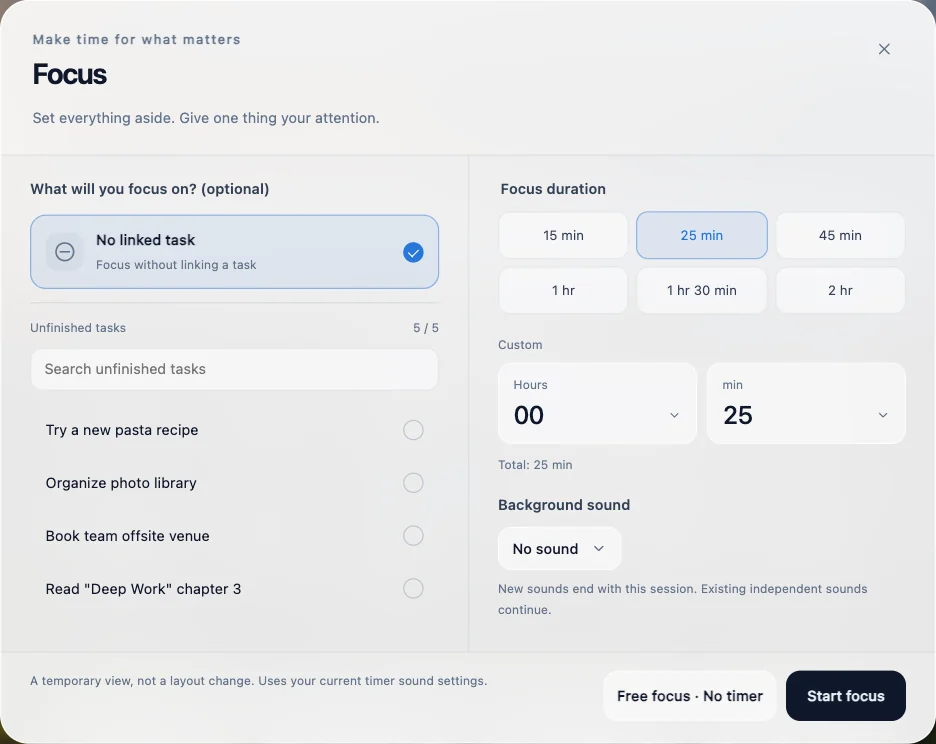
Pick a task, set a timer and add a background sound.
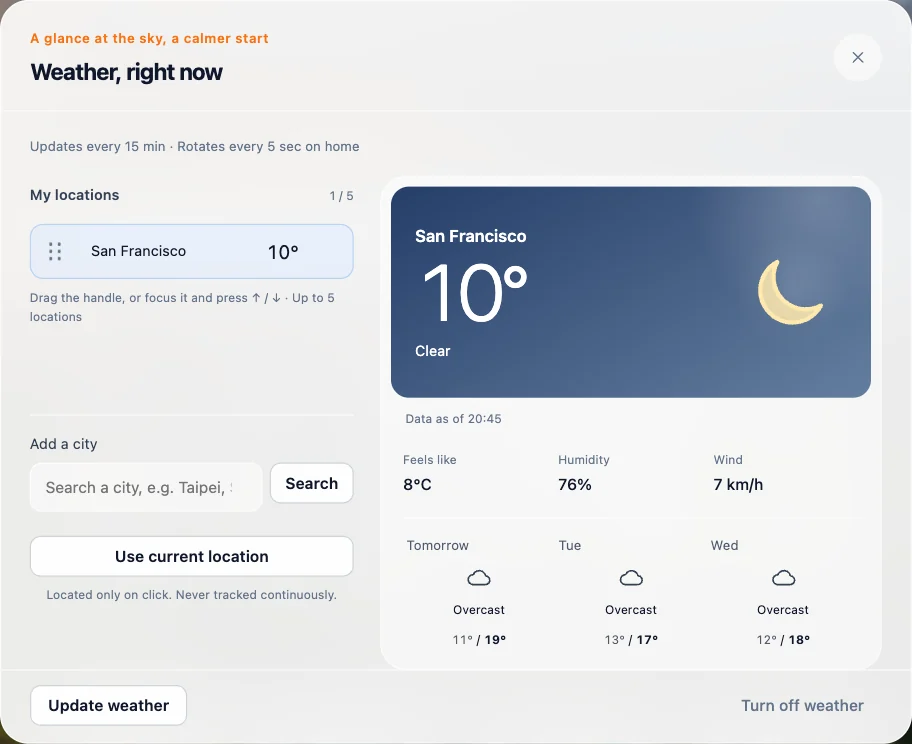
Now and the next few days for the cities you follow.
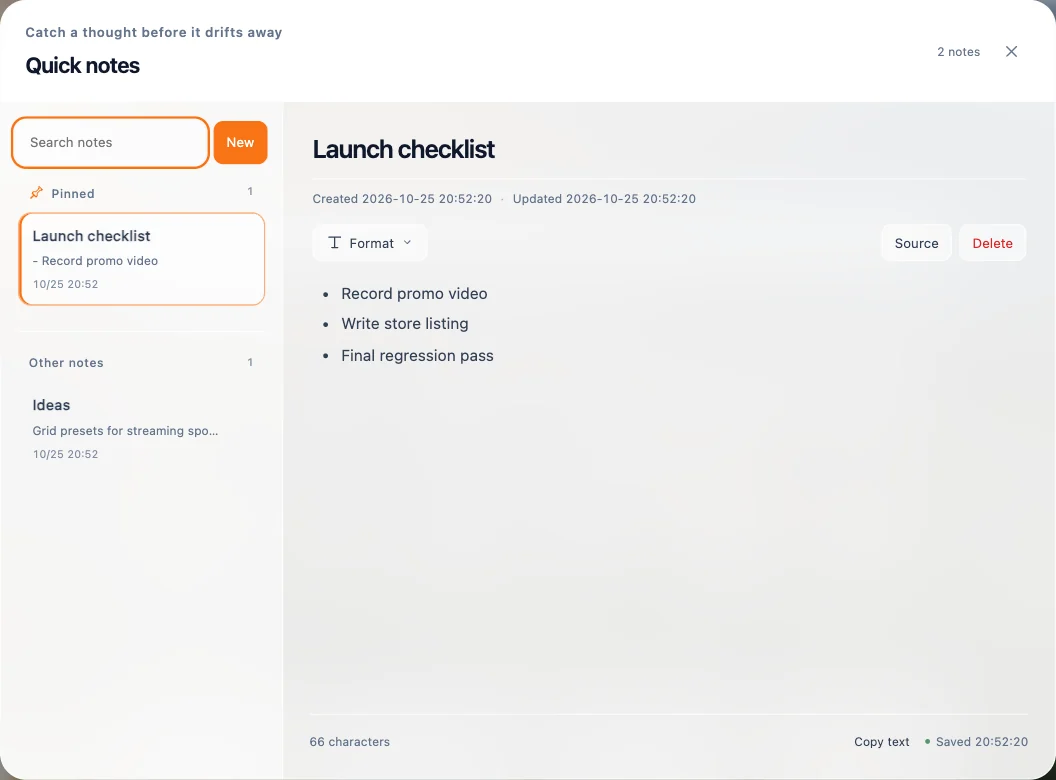
Quick notes with checklists and Markdown, pinned where you can see them.
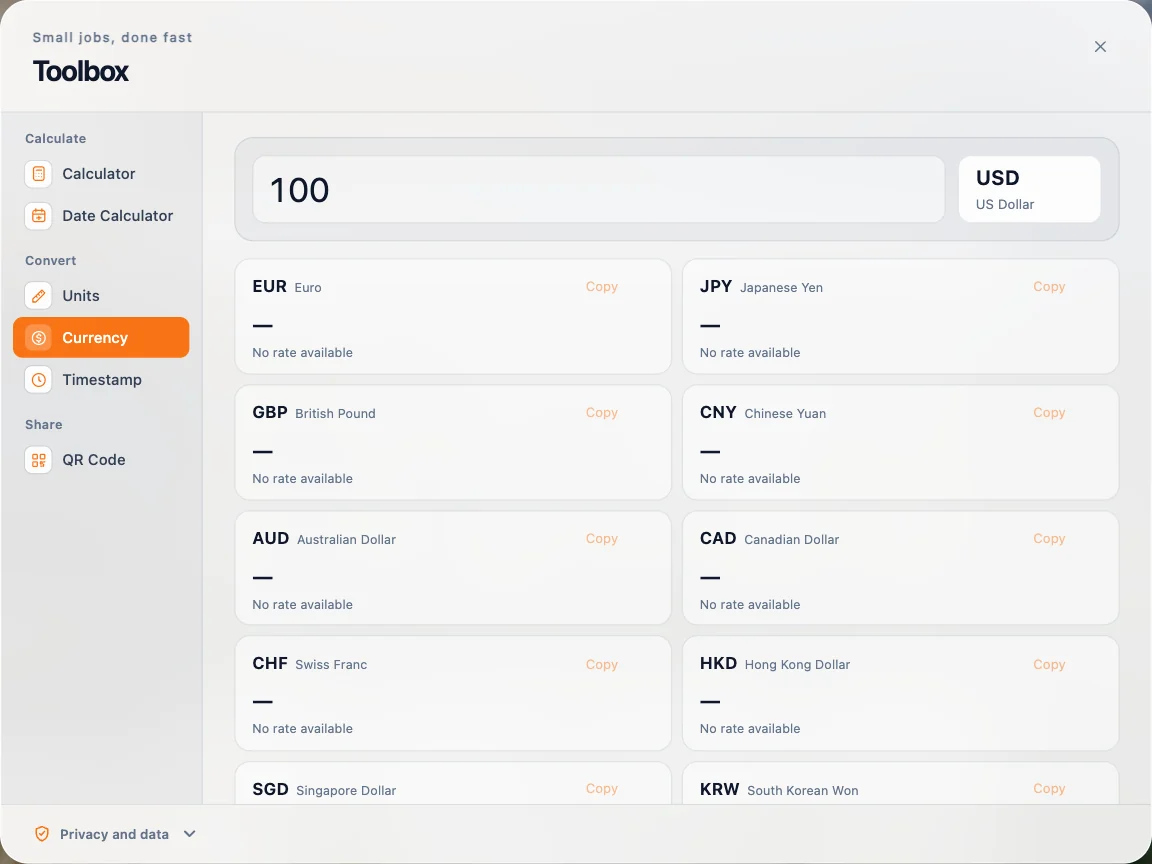
Calculator, date math, unit and currency conversion, timestamps and QR codes.
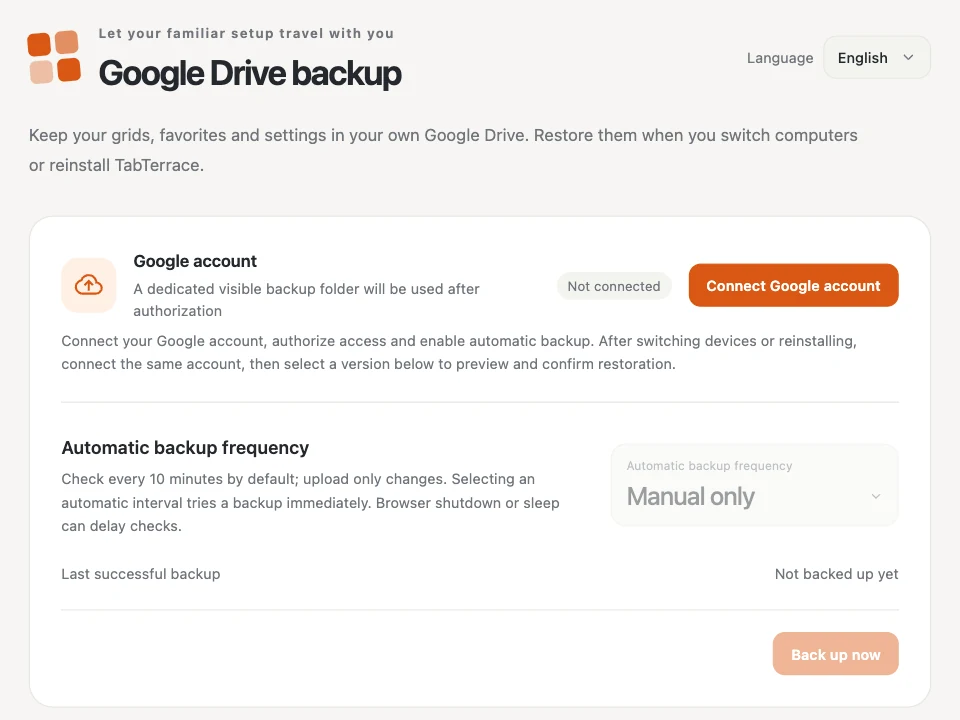
Back up to a folder in your own Drive, or export a JSON file.
Grids, notes and settings live in Chrome on your device.
We don't collect the pages you visit or what you do in the extension.
Optional, and limited to files TabTerrace creates in your own Google Drive.
Can't find an answer? Write to support@tabterrace.com.
Community
Join the community or write to us — we read everything.
Release news, tips and quick help.
Join on TelegramFor users in China. Scan with WeChat to join.

Bug reports and anything else.
support@tabterrace.comFree for Chrome. No account required.
Coming soon to the Chrome Web StoreRead the guide