
User guide
Projects & tags
Every grid and split is saved automatically. Name it, tag it, reopen it in one click.
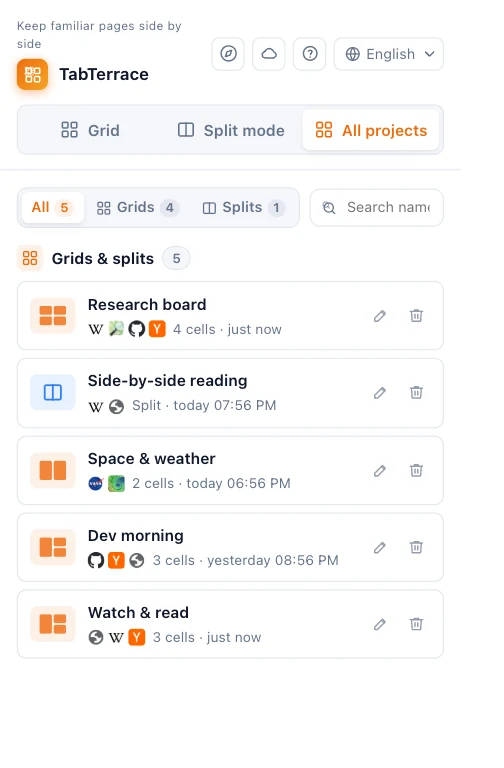
Saved automatically
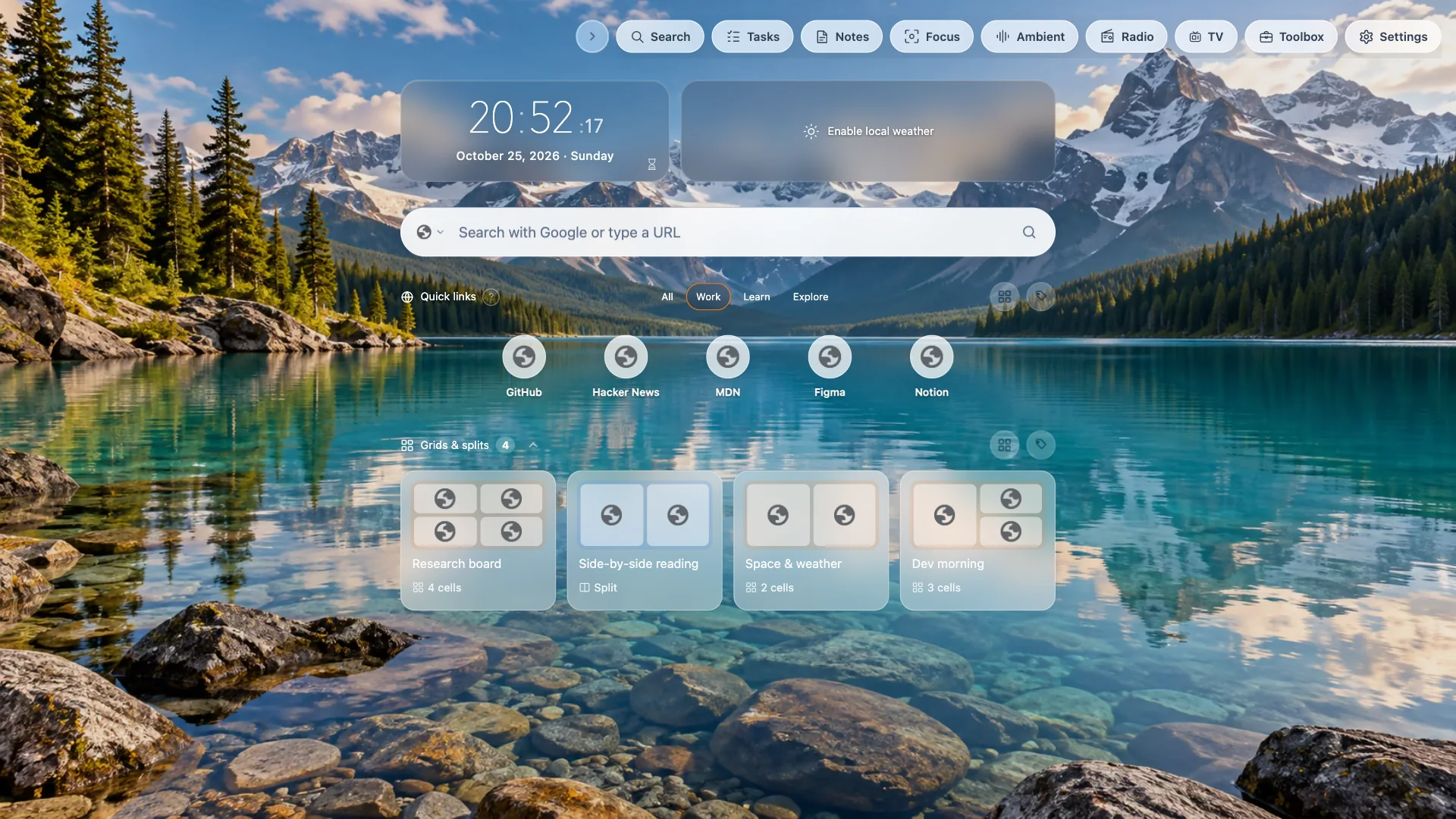
Grids and split views are kept as projects without you doing anything. Find them under Grids & splits on the dashboard, or All projects in the popup.
- A green dot means the project is open — click it to switch back.
- Click a closed project to reopen all its pages, each on the page you left it.
- Search by name or URL, and filter to Grids or Splits.
- Deleting a project also closes its grid or split pages if they're open.
Name, edit and tag
- Choose Edit to rename a project, change its layout, reorder pages, or edit a page's title and address. You can rename an open project right away; to change its pages, close it first.
- Add tags to grids and splits (and to your quick links) to keep them organized; filter by tag on the dashboard.
Moving to another computer
Projects are stored on this computer. To take them to another computer, use Backup & restore: export a JSON file or back up to your Google Drive, then restore it there.